Understand Projection
Learn what brightness, resolution, and projection distance mean in a real room.
 Training Academy
XGIMI Training Academy
Learn what a projector does, how XGIMI models differ, and which questions help you choose the right one for a customer. No previous projector knowledge needed.
Training Path
Learn what brightness, resolution, and projection distance mean in a real room.
Compare the main product types and find the features that matter for each customer.
Ask where and how the customer will use it, then explain why a model fits.
Practice a five-minute demonstration and clear answers to common questions.
Meet XGIMI
XGIMI makes smart projectors for watching films, streaming shows, and sharing a large picture at home or on the go. Start here to learn how to introduce the brand to someone who has never heard of it.
Founded in 2013, XGIMI focuses on all-in-one smart projectors that combine projection, built-in sound, apps, and setup features. Its brand promise is “Light Up Every Family Moment.”
Think of a film in the living room, a match with friends, or a movie outdoors after sunset. The right model depends on the space, available light, and power supply.
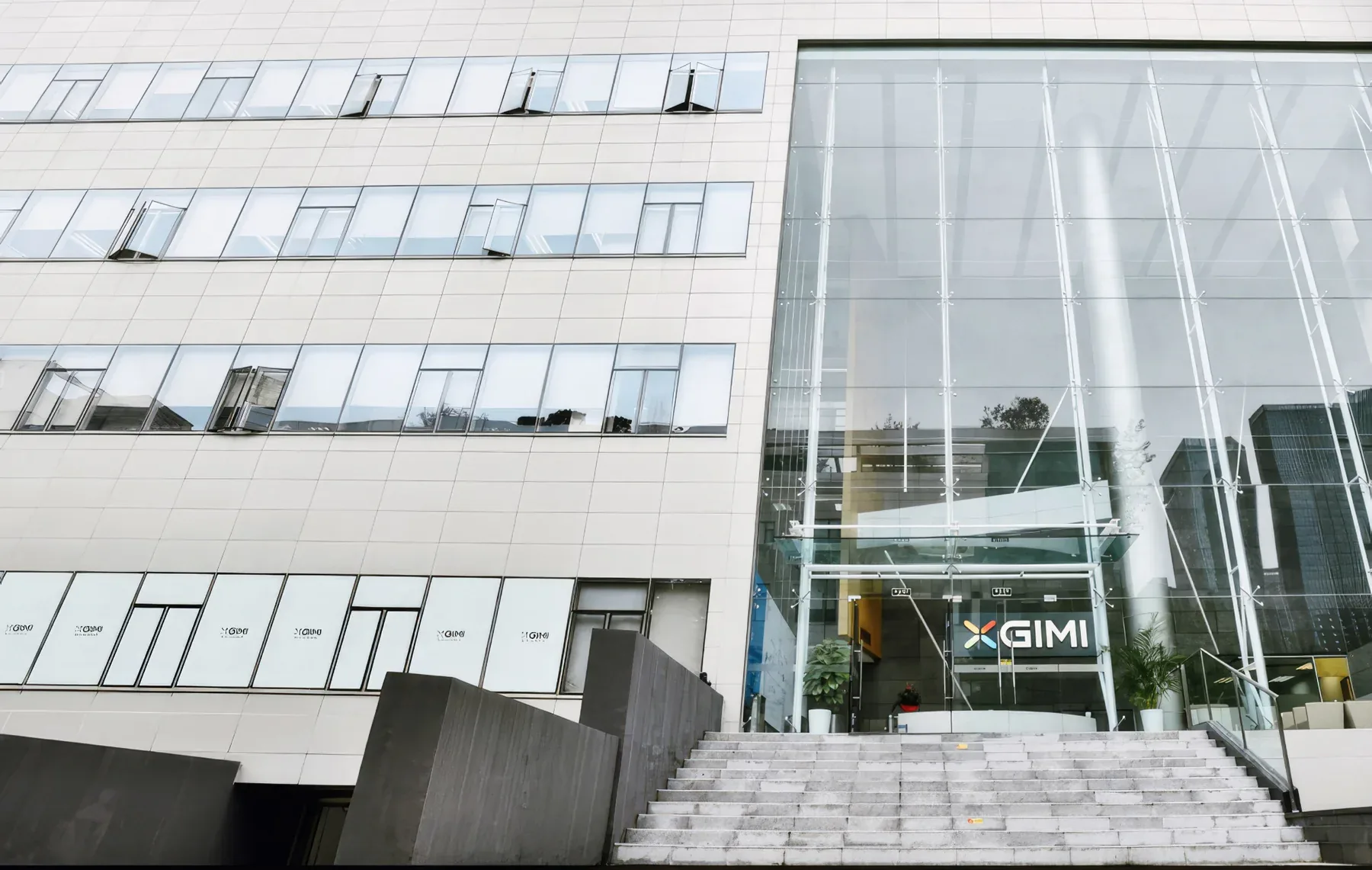
XGIMI was founded with a focus on all-in-one smart projectors.
Global cumulative shipments exceeded 7 million units in 2024.
Total patents across invention, design, utility model, software, and international filings.
Global awards recognizing product design, innovation, and user experience.
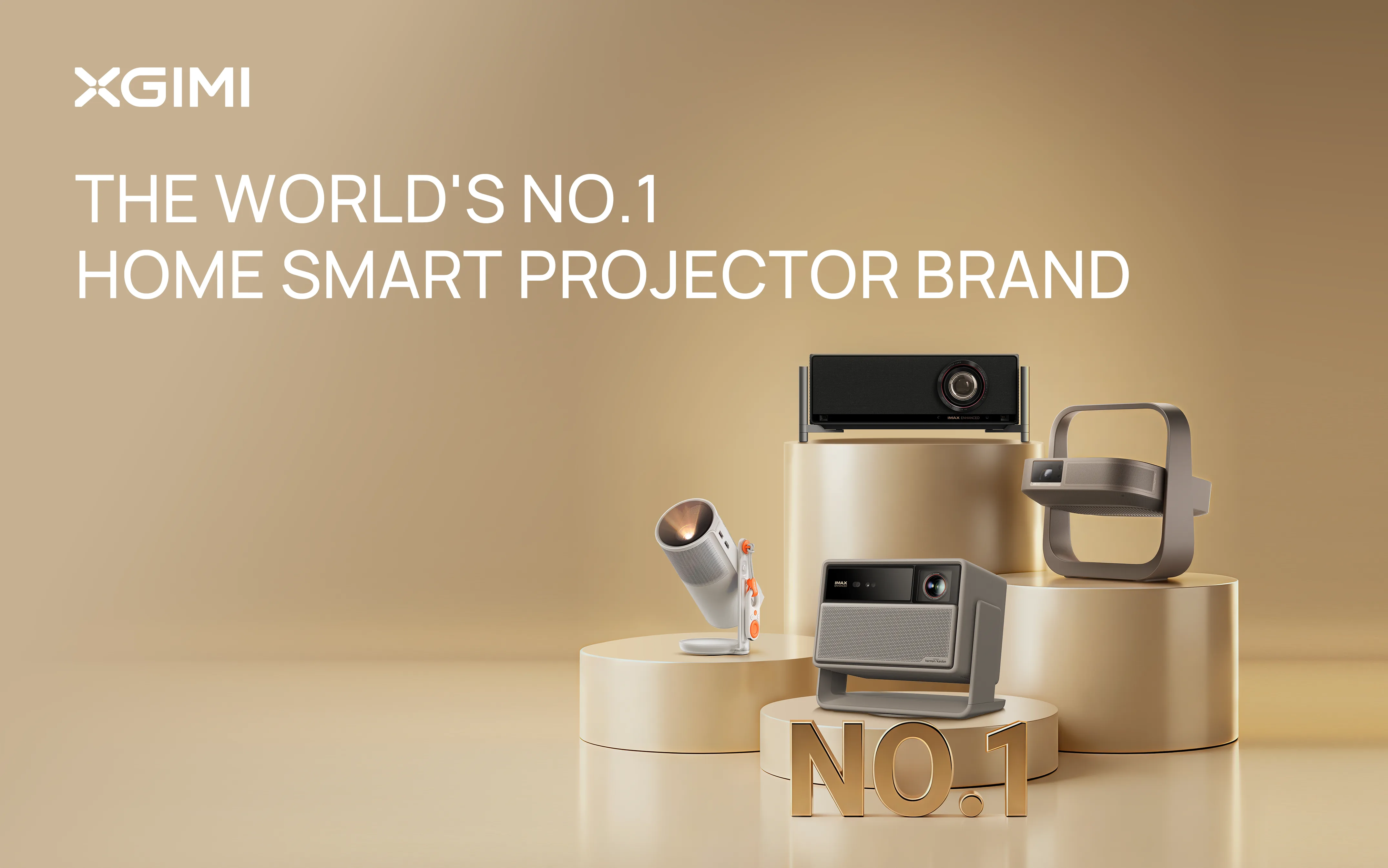

“XGIMI makes smart projectors with built-in speakers and apps. They let you watch on a large screen without a dedicated cinema room. Let’s look at where you would use one and which features you need.”
Projection Basics
Start with the room. Use these explanations to connect each specification to something a customer can see or use, such as picture detail, room brightness, or where the projector will sit.
Learn the terms
New to XGIMI or to the industry? Look up the words and abbreviations you will hear when discussing products, store displays, orders, and deliveries.
Abbreviations and their English full forms stay in English. The explanations are in your selected language.
ISA · Automatic picture setup
ISA means Intelligent Screen Adaptation. These features help with focus, obstacles, screen alignment, wall color, or people approaching the light path. Availability varies by model; check before you demonstrate.
Customer Scenarios
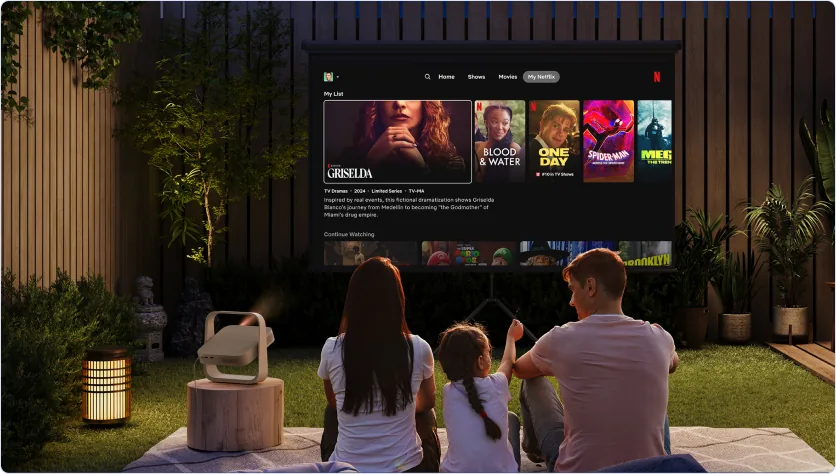
Check the viewing time, power source, and sound needs. Outdoor viewing is best planned after sunset; portable does not always mean battery-powered.
Try saying: “Let’s check the space and power supply for a 100-inch picture outdoors.”Ask when they watch and how much light enters the room. Then compare brightness, 4K detail, available apps, and features such as Dolby Vision on supported models.
Try saying: “We can find a model that suits your room and the way you watch.”
For limited space or a room without a ceiling mount, consider an ultra-short-throw projector. Check the cabinet depth and screen placement before recommending it.
Try saying: “This type sits close to the wall on a suitable cabinet.”Explore the Range
Choose a category to see each model, its main specifications, and the situations it suits. Use the customer examples to practice explaining the differences.
Recommendation Practice
Choose the customer's room, lighting, and main priority. Read the suggestion, then practice explaining why it fits. Check the power supply and placement before making a final recommendation.
Customer Conversation
Find out whether it is for a bedroom, garden, main living space, gaming, a rented home, or a work event.
Ask when they watch and whether curtains can be closed. More room light usually calls for more projector brightness.
Explain one useful benefit, then support it with one or two relevant specifications.
Demonstrate automatic focus and picture correction where supported. Open an app and play sound so the customer can judge ease of use.
Quick Compare
| Model | Suitable for | Brightness | Resolution | What to explain |
|---|
In-Store Demonstration
Keep the demonstration short and focus on their needs. Show the setup, a familiar app, and a short video with sound, then ask what they would like to try.
Dealer Materials
The shared Drive folder contains specifications, product images by year, logos, store display materials, videos, product presentations, display-model specifications, and brand guidelines.
Use the specifications, product presentations, and brand guidelines to prepare accurate explanations.
Use product and brand logos, display materials, and display-model specifications to plan the display.
Find demonstration videos and product images in the video library and annual product folders.
Prepare Your Store
Use this section to choose display materials, plan the space, and prepare product models for customers to handle.
Retail / Dummy
A dummy is a display model with the same appearance as the real projector, but a different weight. Browse the views to plan your display, then use the dummy weights and carton sizes below to prepare for handling and shipping.
Use these views to plan how each model will look on display.
Use these net weights for the display models. The real projectors have different weights.
Weights in kg · dimensions in mm · volume in m³
Dimensions are listed in the order provided in the packing data.
Try another model name or clear your search.
Retail / POSM
POSM means point-of-sale materials: the signs, graphics, and displays that help shoppers identify a model and understand its main benefits.
Need signs, graphics, or display stands? These are called point-of-sale materials (POSM). Follow the steps below to request them, agree the design and budget, and arrange production and delivery.
Regional Sales or the distributor account owner submits each request to the Retail team and confirms it with them.
Retail normally accepts requests only after Sales has validated them.
Before work starts, provide:
Retail uses these details to develop the design, estimate costs, and plan production.
POSM costs normally come from the project or region’s marketing development fund (MDF) budget.
After quotation, Sales must confirm:
Production starts only after the costs, budget owner, and MDF approval are confirmed.
If the same design has already been sampled and installed in stores, the sample stage may be shortened or skipped where appropriate. This can save approximately 20 days.
Display Ideas and Plans
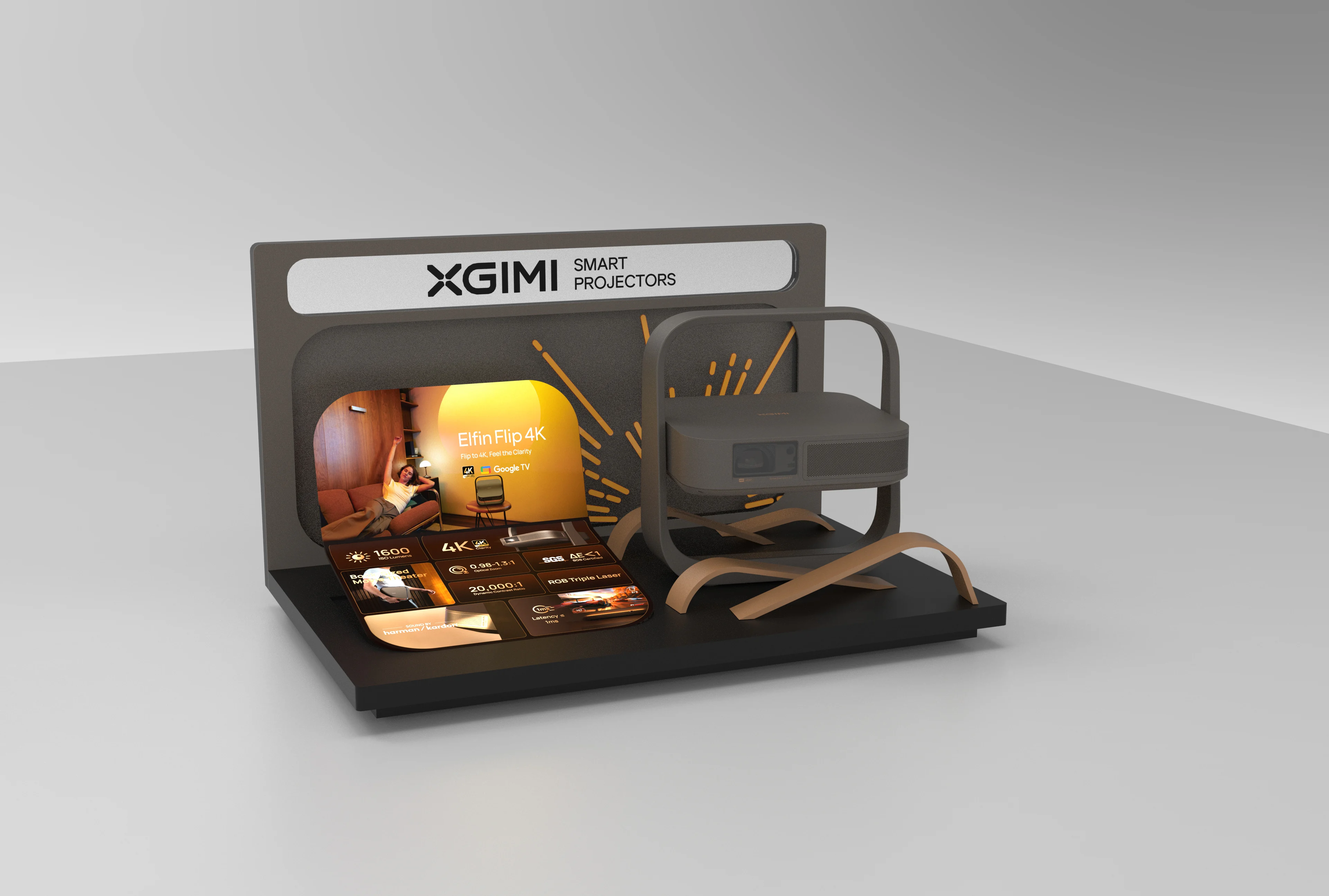
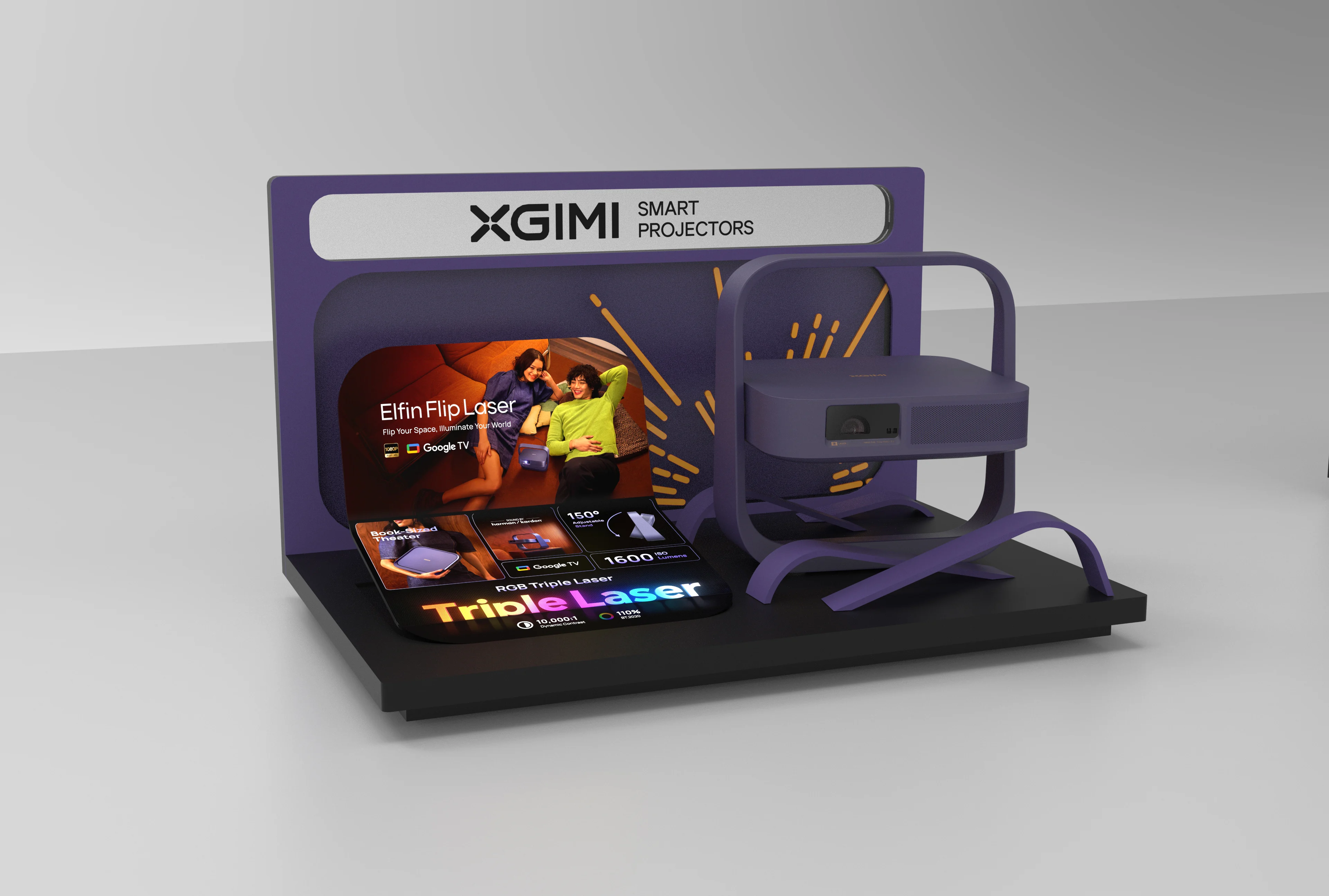
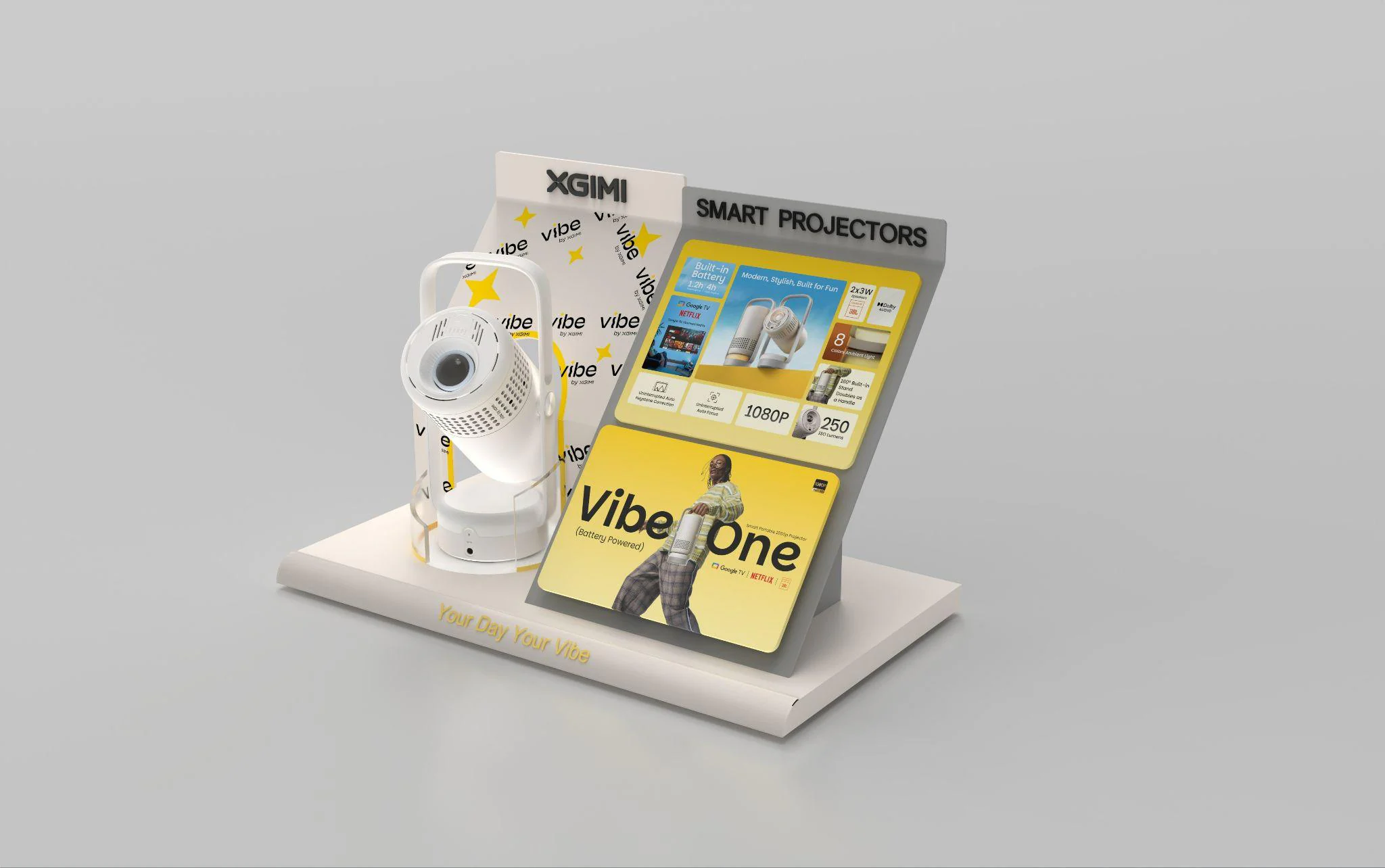
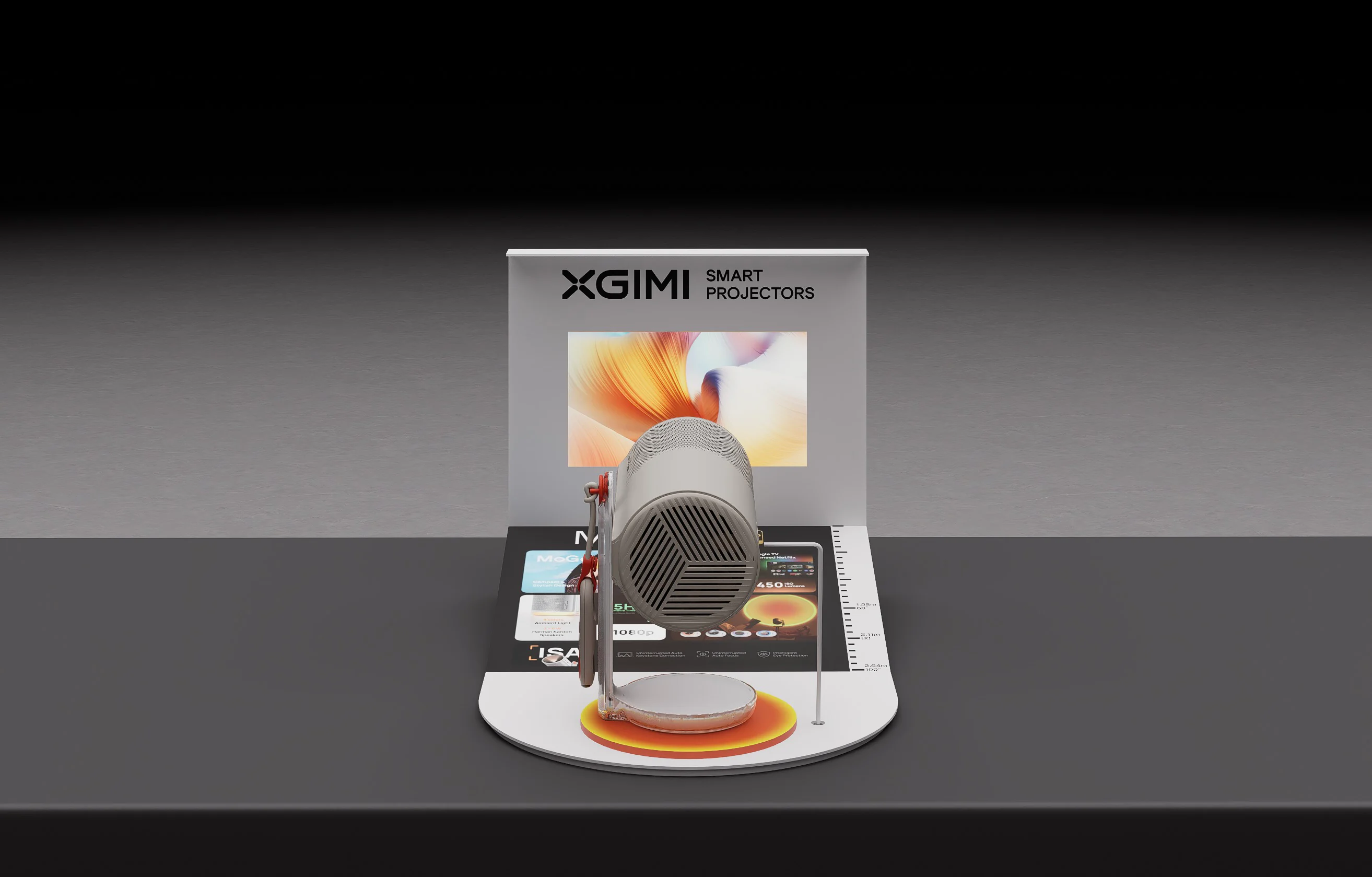
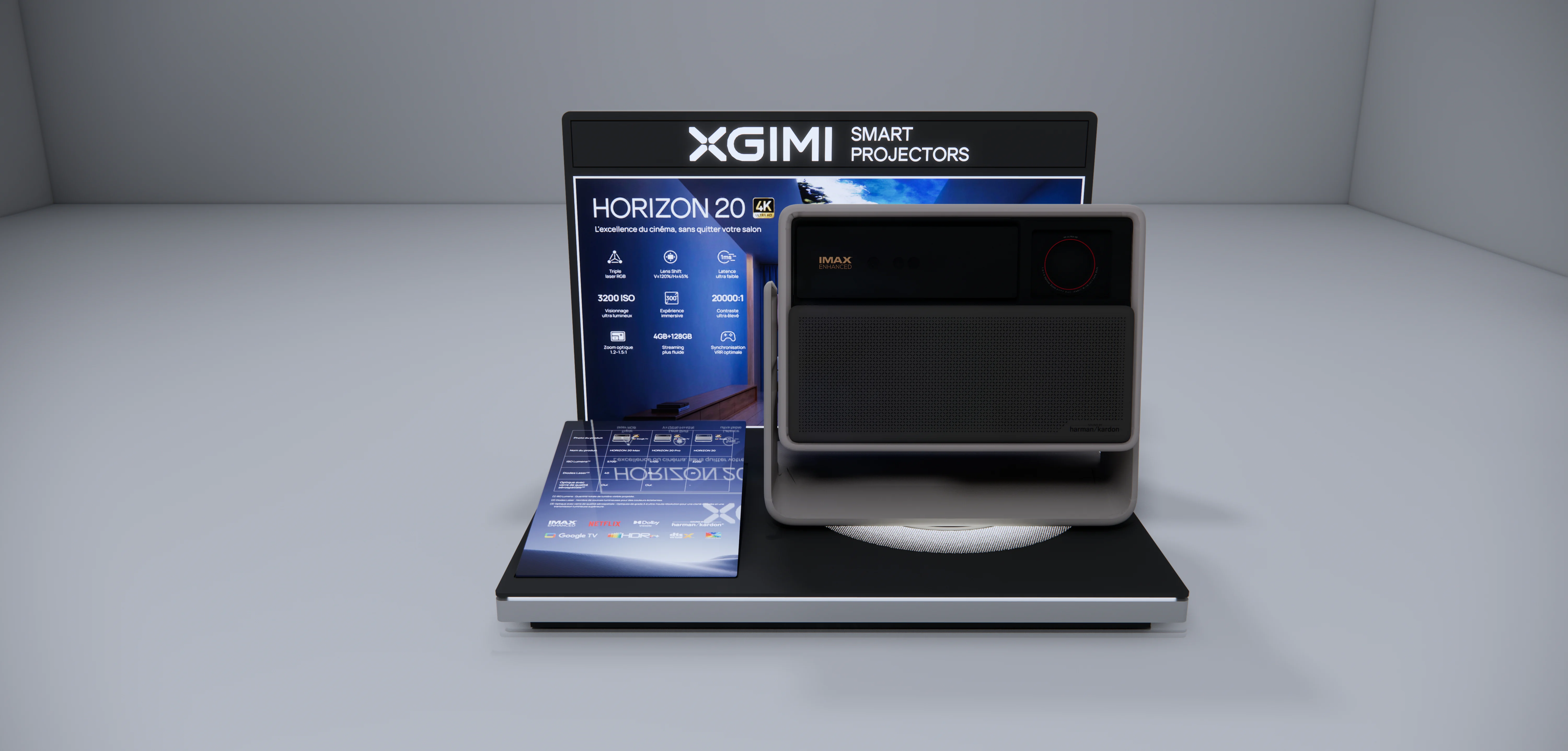
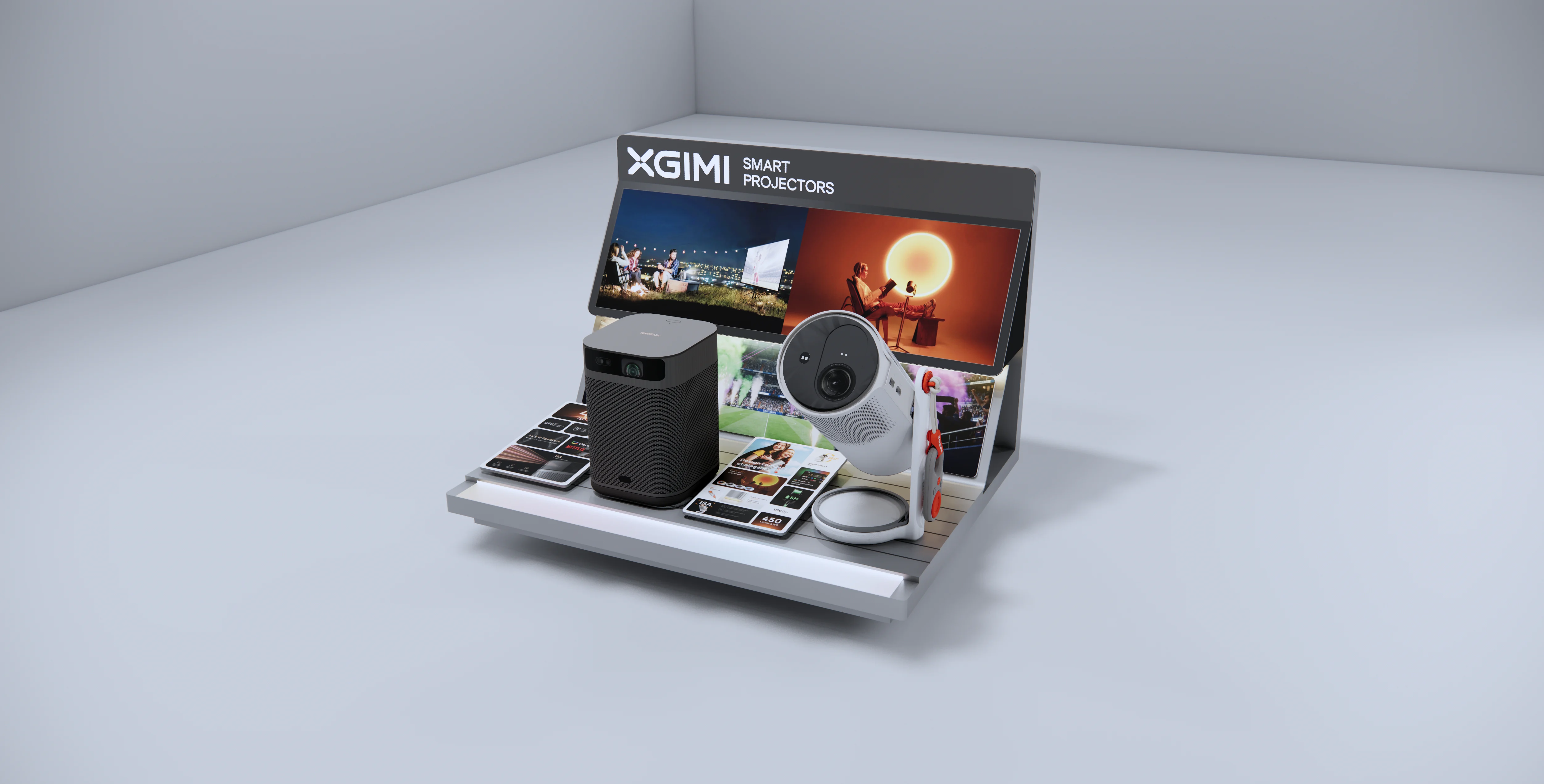
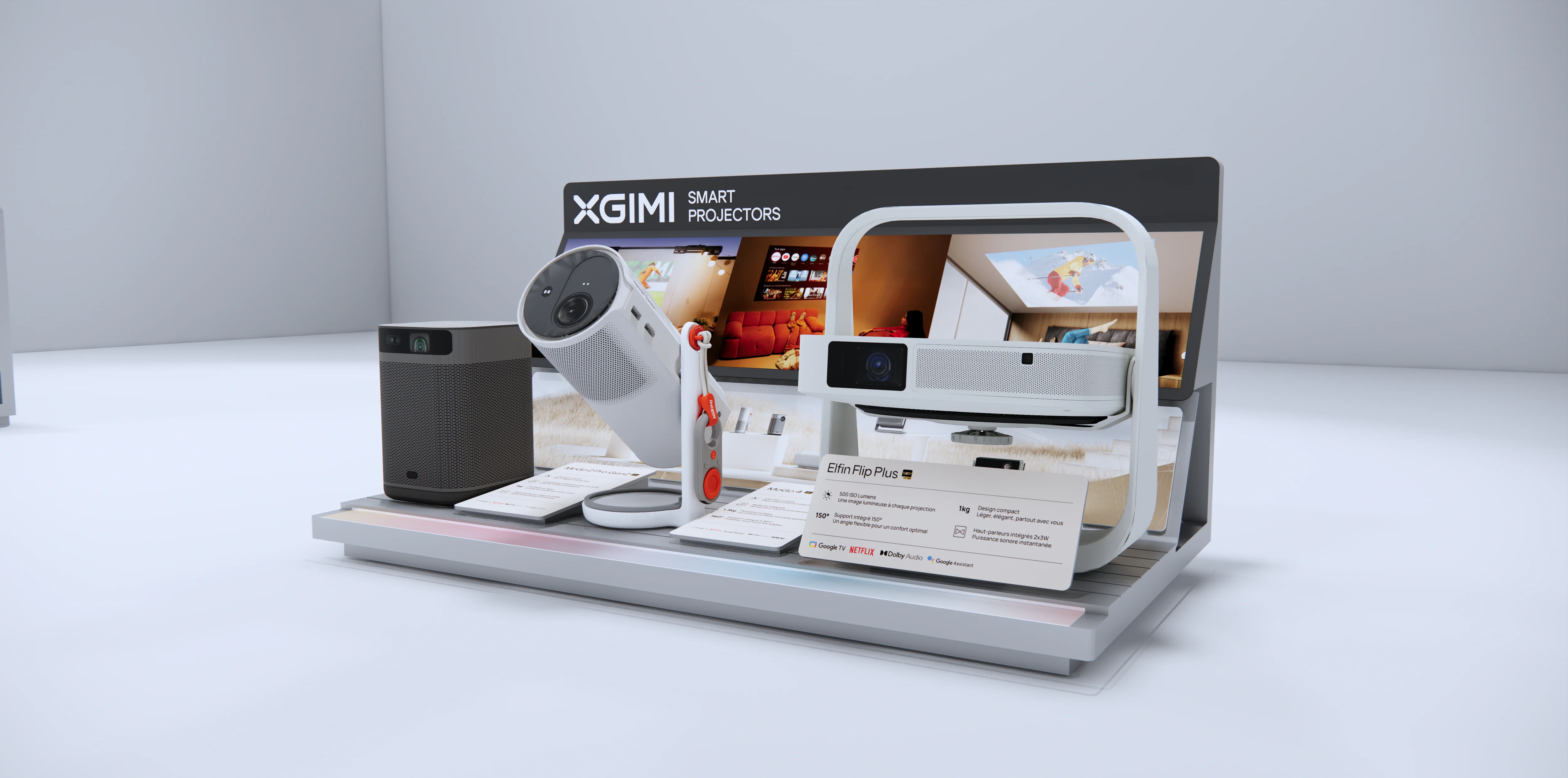
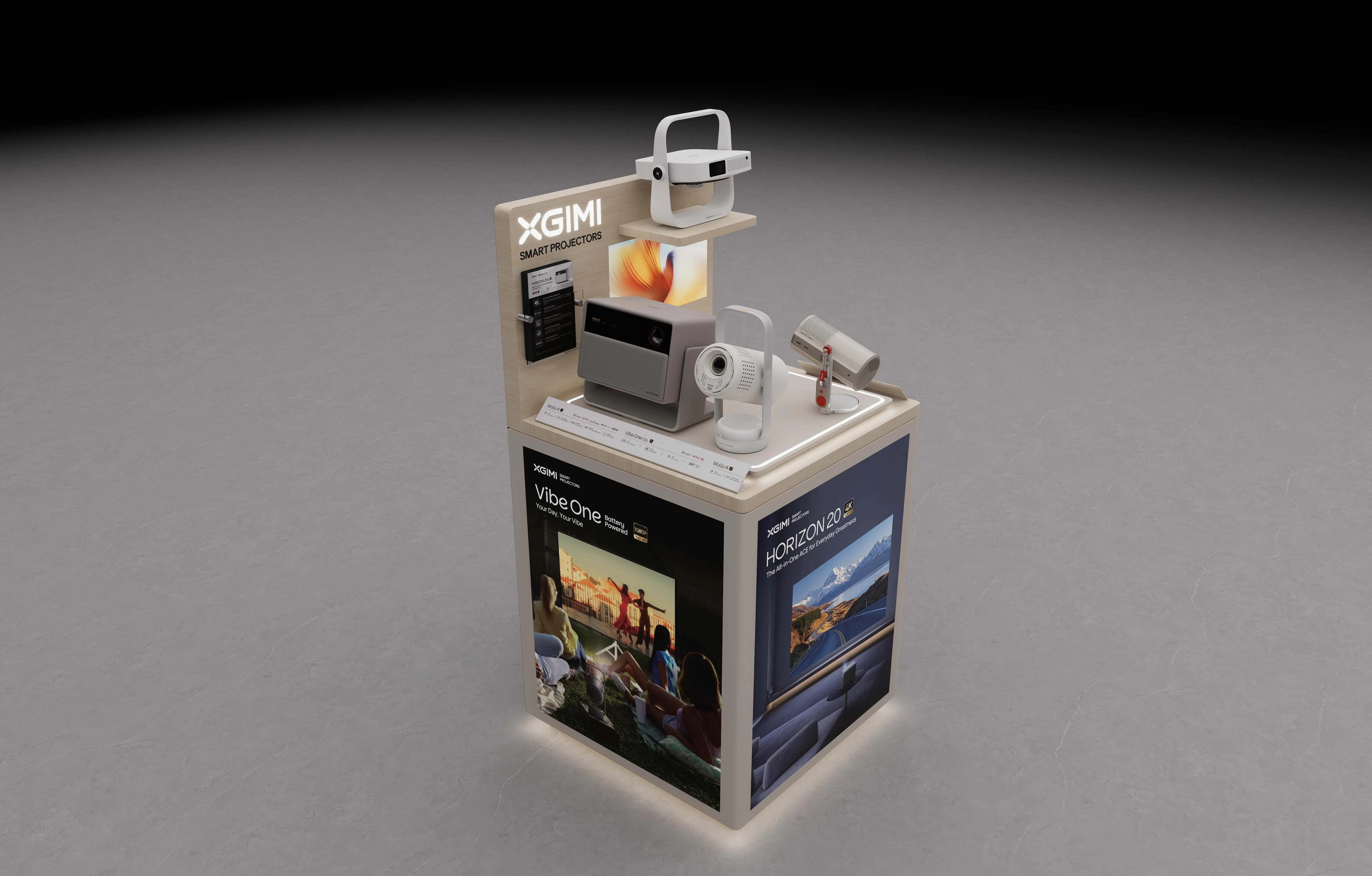
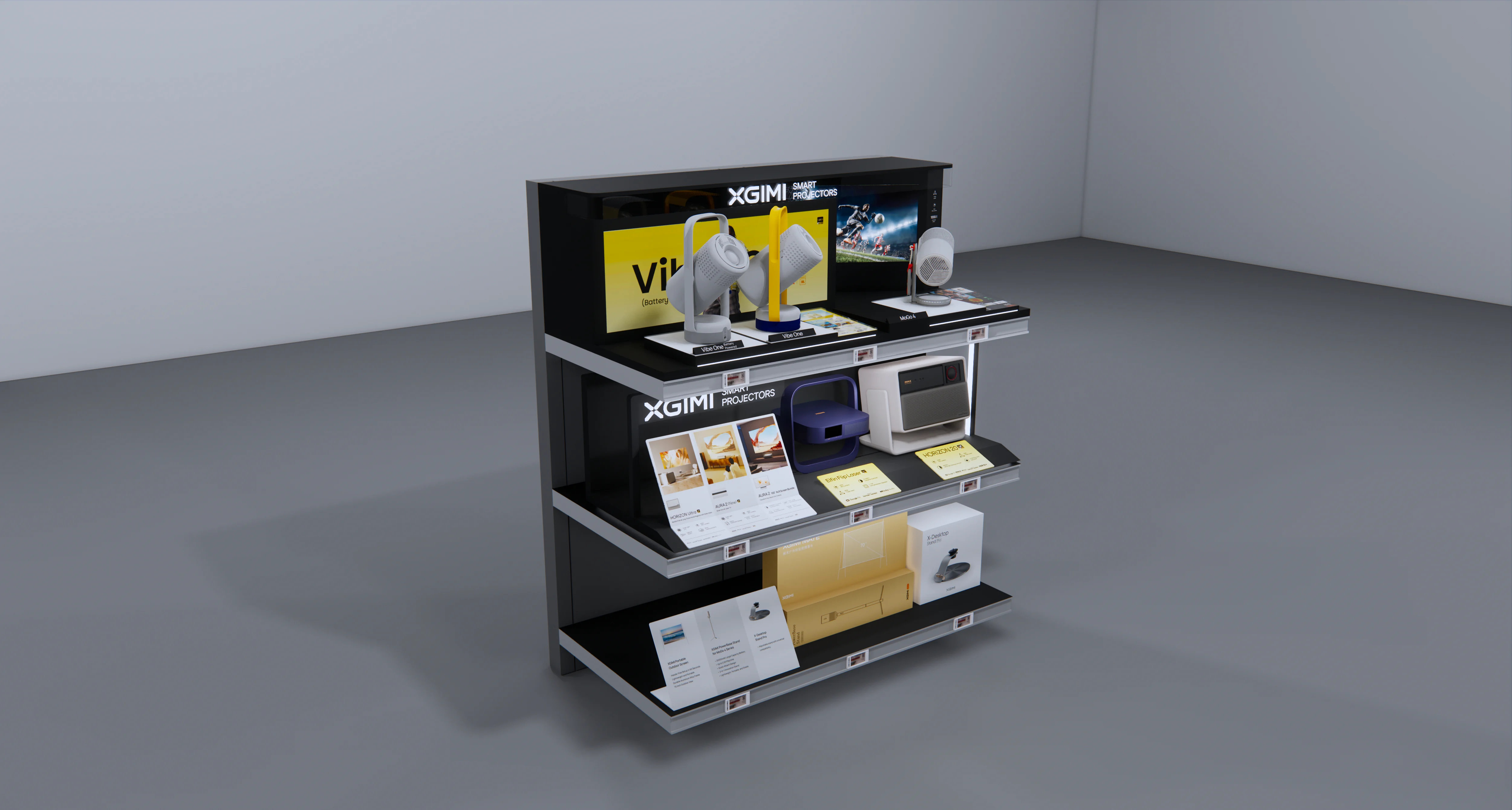
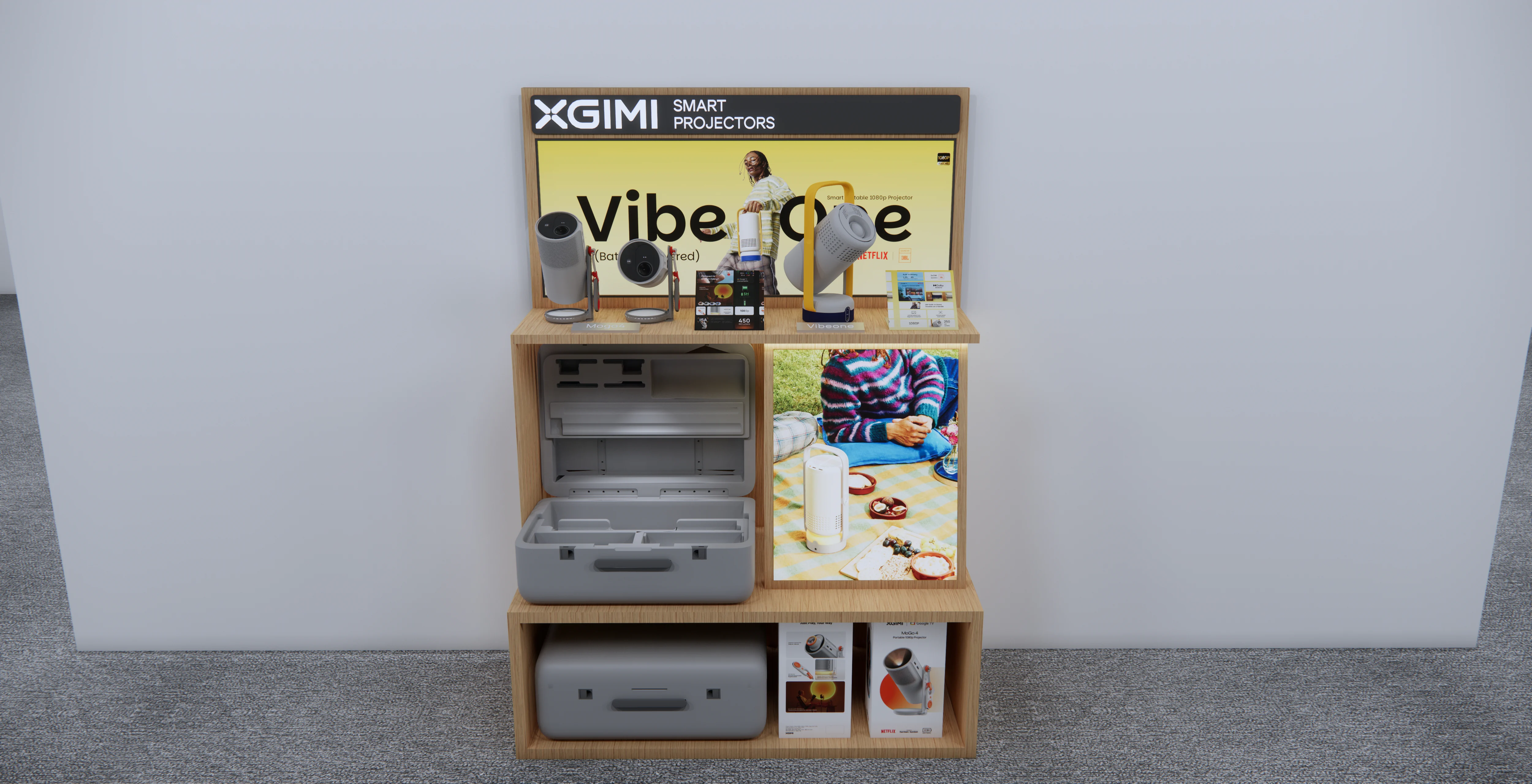
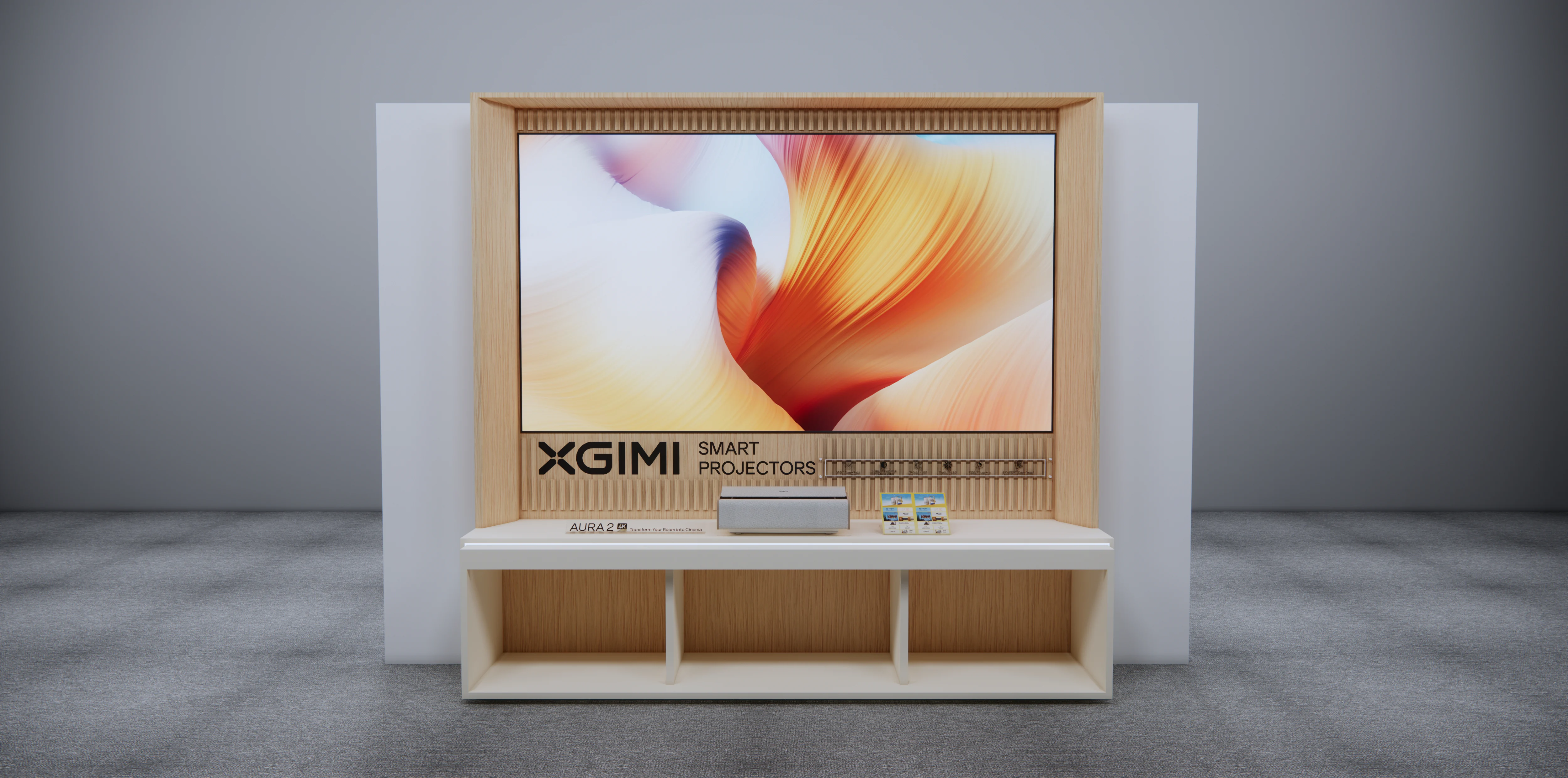
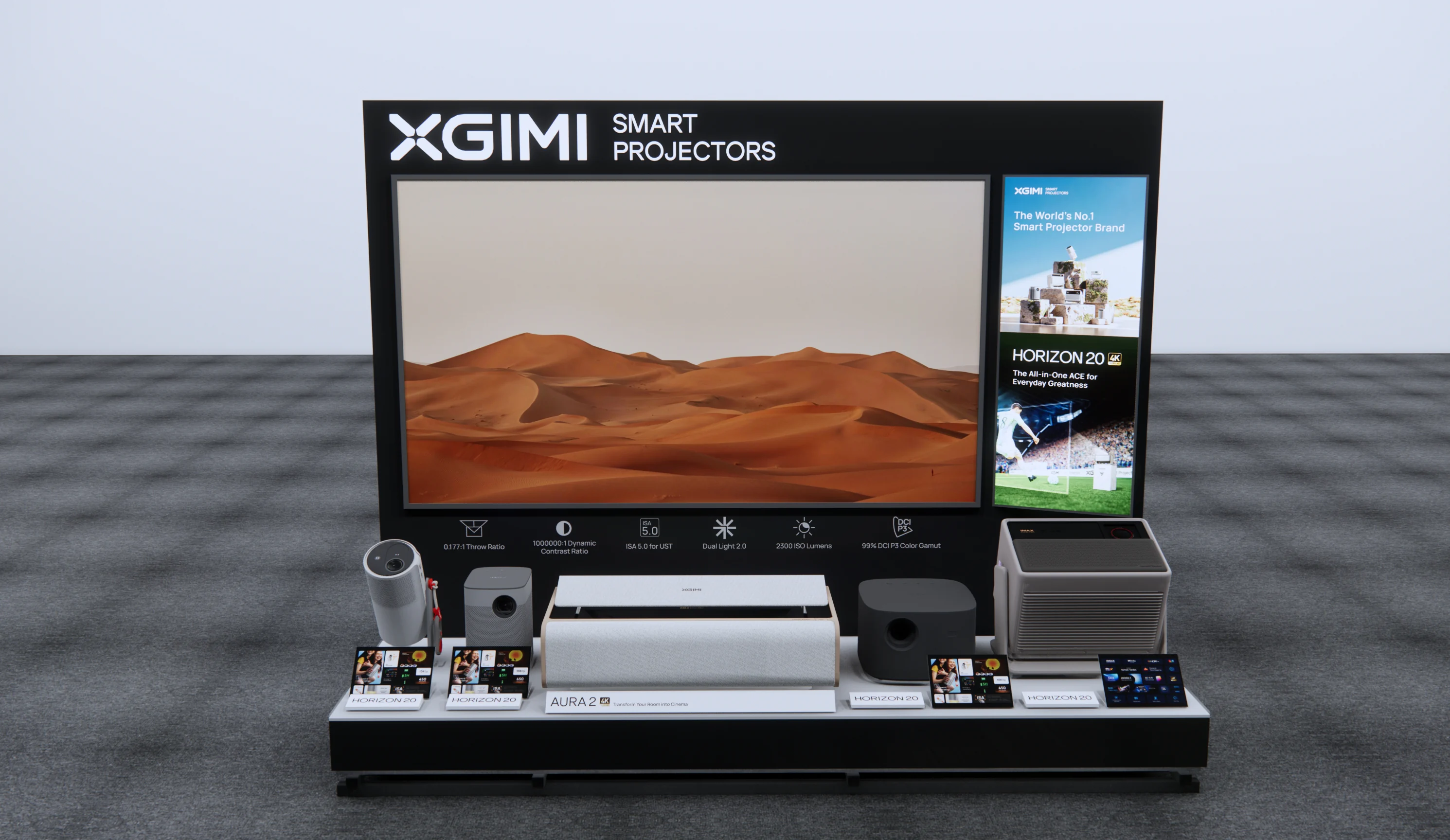
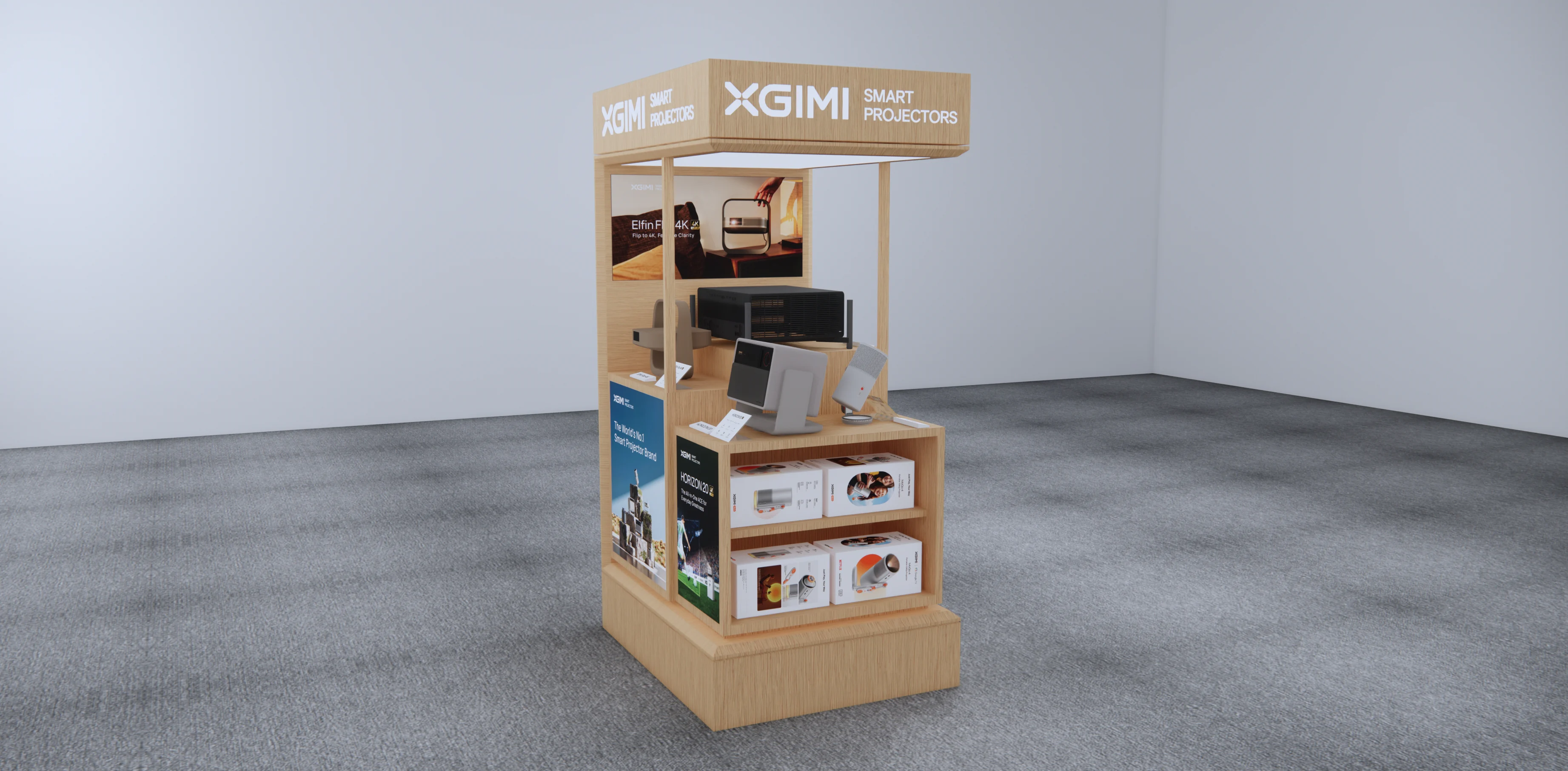
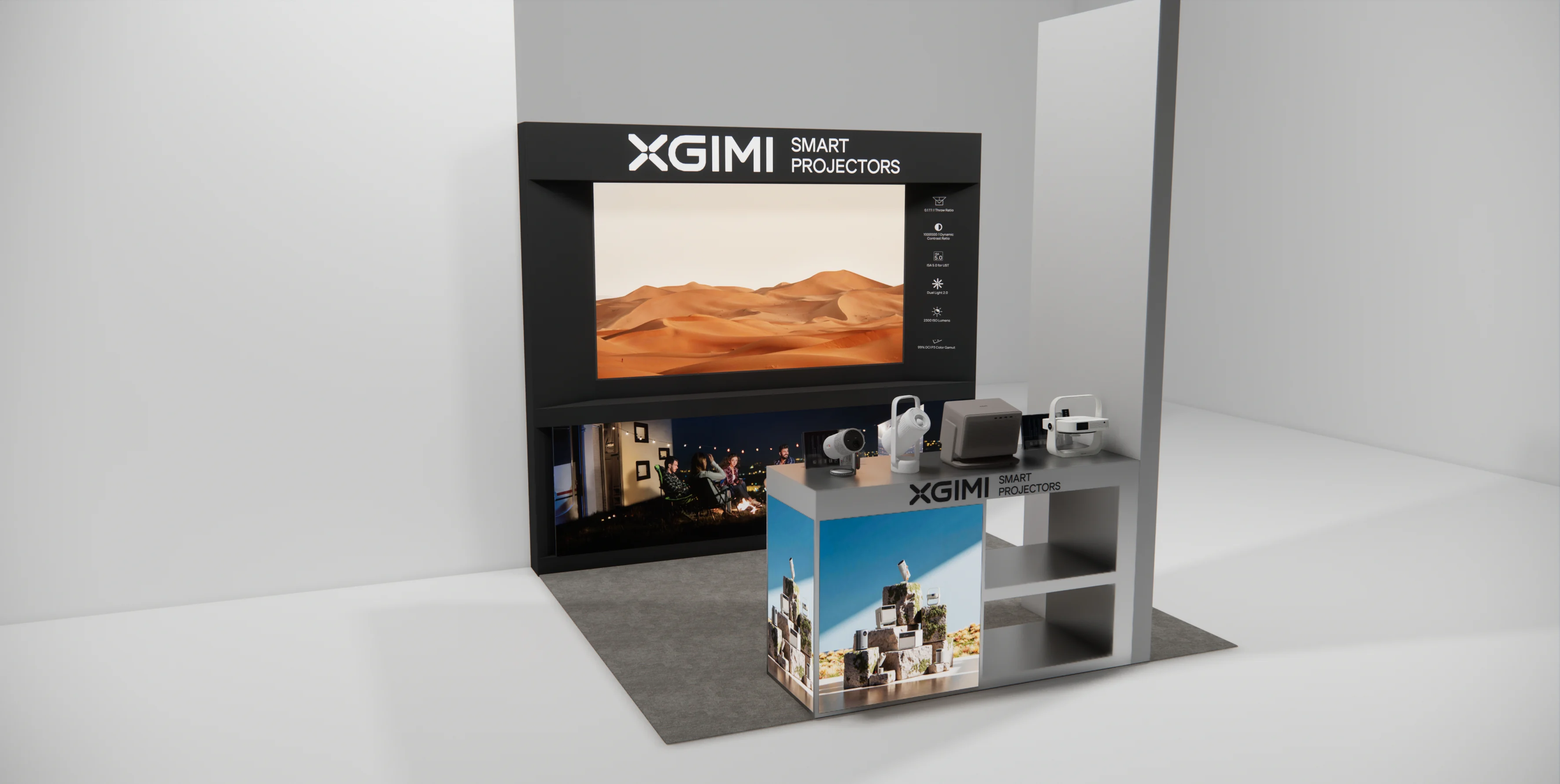
Browse display-top graphics and point-of-sale display plans. Check the dimensions before choosing a design for your store.
Knowledge Check